
The System Implementation Process: What It Actually Takes
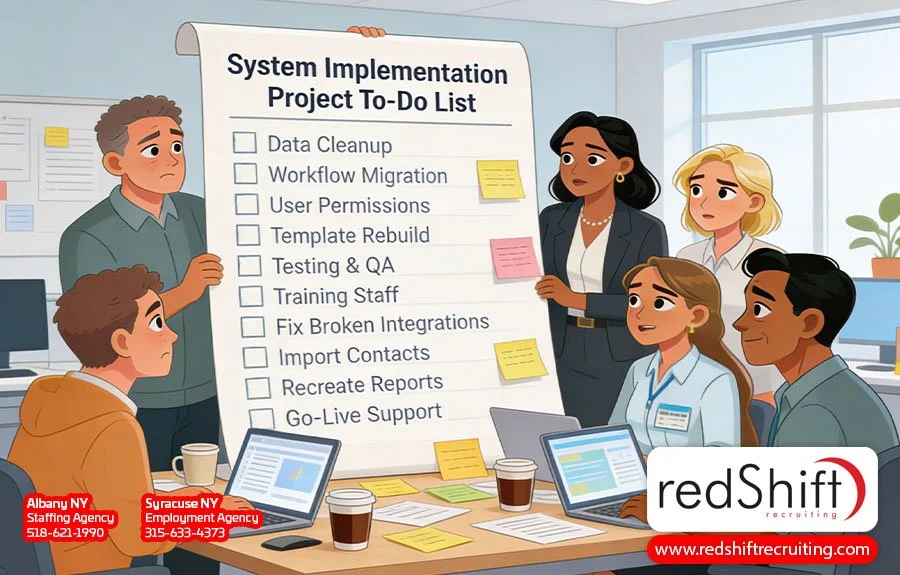
After much consideration, we finally made the decision to switch our applicant tracking system. We went in knowing it would be a project, and we had the usual concerns: the pains of data migration, the potential for downtime and lost productivity, the learning curve of a completely new interface. As a staffing agency, our ATS is much more than a list of contacts—it's a decade of candidate history, client records, placement data, and institutional knowledge that can't be reentered from scratch. It's the backbone of our daily operations, and so it was a decision we made with careful planning and no small amount of deliberation.
Even so, we've hit unexpected hurdles, made discoveries mid-process, and arrived at the humbling realization that the entire project is still going to take more time and energy than we budgeted for. That's with the advantage of moving to a system some of our employees have used before—an advantage many companies don't have when starting a new system implementation process.
When making a significant platform transition, it's challenging to anticipate every dimension of what the project will actually involve. You clear time on the calendar, assign the right people, map out an implementation plan, and still find yourself surprised by what the process entails. That's what this article is about: what we're learning about where the time actually goes, what most teams underestimate about internal bandwidth and disruption to business processes, and how a little extra support in the right places can keep things from going sideways.
This Isn't Just an ATS Thing
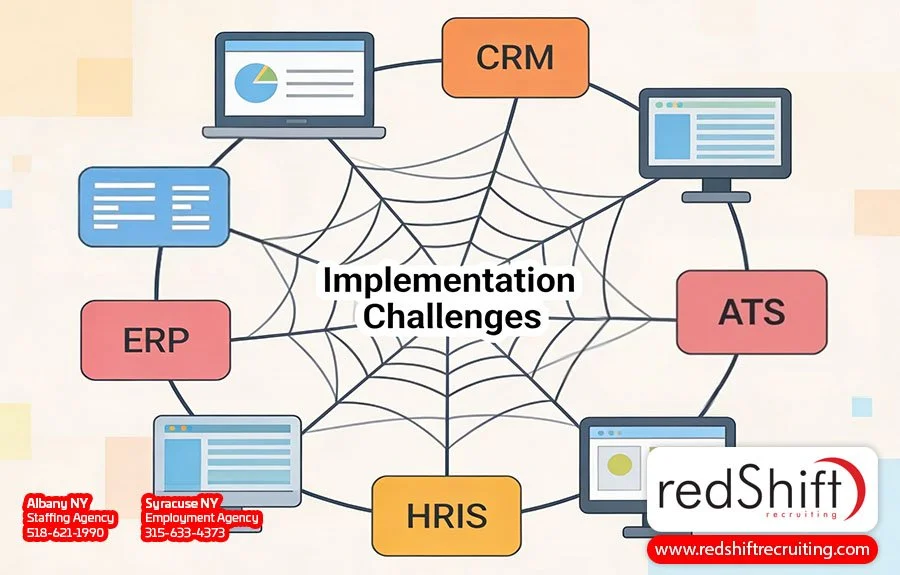
Many organizations have been through some version of this experience before, whether with ERP systems, CRMs, HRIS platforms, finance tools, or any new solution that affects the way a business actually runs. The systems and vendors may be different, with their own timelines, budgets, and specific pain points, but the core issues are usually the same: more time, more coordination, and more internal bandwidth than you originally planned for.
This isn't necessarily the fault of the vendor or the implementation plan. Even with the best support, most teams are likely to hit at least one unexpected issue during a major transition, and sometimes several. These are critical infrastructure changes that touch your employees, your users, your data, and your relationships with clients or vendors, which means the ripple effects of any change to your normal process often show up in unexpected places. True ATS, CRM, or ERP implementation costs, for example, rarely stop at the licensing fee—they encompass staff hours, user training, testing, workarounds, and the productivity dip that simply comes with switching platforms. That gap between what's invoiced and what's actually spent is where most teams get caught off guard.
Where the Time Actually Goes
System implementation processes usually look manageable on paper. There are clear expectations, phases, milestones, and a timeline that seems reasonable when you're planning it. But what the plan rarely captures are all the details living underneath those line items—and that's where most of the time actually goes.
Data Migration & Data Hygiene
Data migration is the most common example. Some modern platforms handle the transfer mechanics for you, while others require you to manage the export and import yourself. Either way, there is usually clean-up work to be done. Duplicate records, inconsistent formatting, missing fields, notes that only made sense in the context of the old system's structure—all of that comes along for the ride. So instead of a clean slate, you're often starting in a new environment with the same organizational debt you had in the old one. Deciding what to address before the migration, what to fix after, and what to simply live with is its own project, and one that will take real time from real employees who have other work to do.
Rebuilding Legacy Workflows
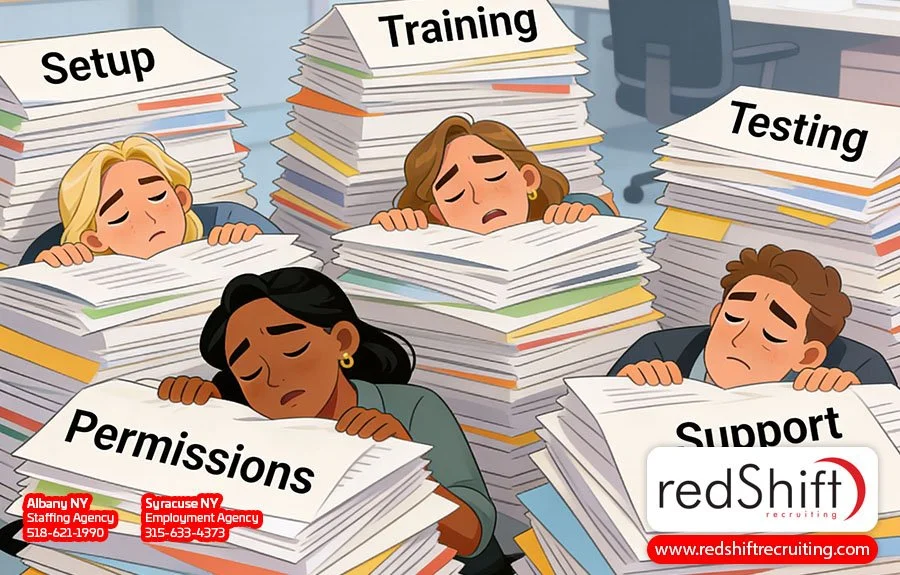
Then there are the existing workflows that need to be rebuilt from scratch. Your old system had templates, permission structures, automation rules, and integrations that your team built up over years, often without fully documenting how they worked. Recreating them in a new environment means first figuring out what you actually had, then deciding what to carry over, what to leave behind, and what to build differently now that you have the chance. That decision-making time is rarely accounted for in the original software implementation plan, and the period of confusion it creates slows user adoption and pushes people back toward old workarounds.
Continuous Testing Cycles
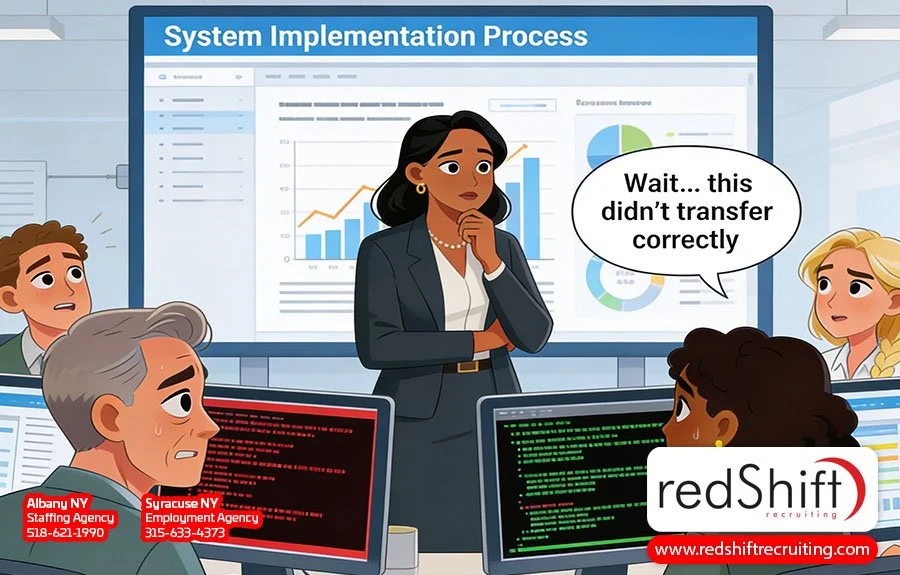
Testing is another area that tends to expand beyond what you budgeted for. You set things up, run them through their paces, and find that something doesn't work properly: a field didn't transfer, an integration needs reconfiguring, or a workflow behaves differently than expected. Each fix gets tested again, and fixing one issue sometimes uncovers another. The cycles add up, pulling in not just your software implementation team but also your most knowledgeable people. Add in the time spent coordinating with your vendor, and this phase routinely runs longer than planned.
True User Adoption vs. Basic Training
Finally, there's user training. Distributing user manuals or micro-learning videos for the new software and scheduling sessions to discuss new processes is the easy part. The harder part is user adoption: actually getting your team comfortable enough to use the system confidently in the flow of their normal day. The key stakeholders in any transition aren't just the people choosing the vendor; they're the people who actually use the system. Change management takes longer than most managers anticipate, and the gap between "trained" and "actually comfortable" is where the most productivity gets lost. Ongoing support after the initial training period is crucial, and it's the difference between a system your team tolerates and one that facilitates long-term success.
What Most Teams Underestimate
Most teams going into a system implementation know, at least in theory, that it's not purely an information technology project. What's harder to anticipate is just how much of a people-and-time problem it becomes in practice. The constraint that tends to surprise teams most isn't budget or technology—it's internal bandwidth. Specifically, whose time gets consumed, and how much of it.
Day-to-day work doesn't pause for a system transition. Clients and customers still need attention, deadlines still exist, and your normal business needs don't slow down because you're implementing a new platform. What happens instead is that your most capable people—the ones who understand your existing processes well enough to make decisions about how they should be rebuilt—end up carrying two jobs for the duration of the project: their regular responsibilities plus the transition work. That's manageable for a week or two, but over the course of a months-long implementation, it becomes a grind, and the people feeling it most are exactly the ones you can least afford to burn out.
That affects more than just productivity. When key people are stretched thin for weeks on end, they start associating the new platform with stress and extra work, making change management harder just when you need people most engaged with it. The small tasks compound with every decision that needs to be made, every question that comes up, and every round of testing that runs long. By the end of the week, your core people have lost significant working time without being able to point to exactly where it went.
This is why a successful implementation almost always involves building a small internal team who take the lead on setup, decisions, and testing. They learn the system first, work through the issues, set clear expectations for how it should be used, and eventually roll it out to everyone else. This group plays a key role in whether the transition goes well, and their involvement is a crucial step that can't be delegated to a vendor or automated away. The tradeoff is that they carry a heavier load than anyone planned for, and the rest of the team feels their partial absence while it's happening. Going in with a clear-eyed view of that tradeoff, and the strategic planning required to manage it, is one of the things that separates a smooth transition from a painful one.
Where Extra Help Can Make a Difference
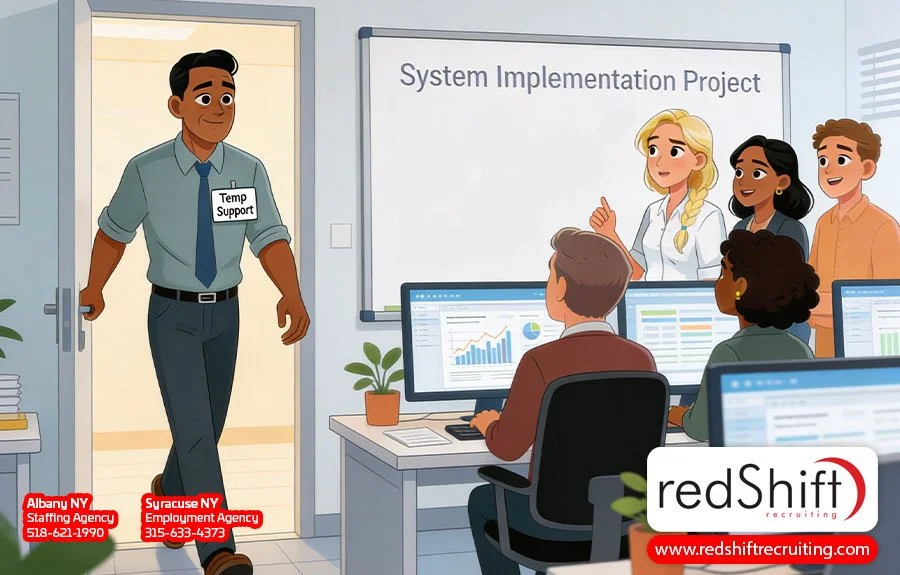
The most practical thing companies can do to protect a system transition is making sure the people carrying the project aren't also expected to keep everything else running at full speed. Temporary support is one of the more underused tools available, and in this context it's particularly well-suited to the problem.
Bringing in short-term help during an implementation—whether that's someone to handle data cleanup, take on administrative tasks, support recruiting operations, or backfill a key role while your core team focuses on the transition—keeps daily operations moving without adding permanent headcount or lengthy onboarding processes. For a company navigating a major platform change, that kind of targeted, flexible support can be the difference between a transition that stays on track and one that stalls because your best people were spread too thin to finish what they started.
Frequently Asked Questions
What Should Be Included in a System Implementation Plan?
A successful implementation plan starts well before anyone touches the new software. The early stages build the foundation, from gathering requirements and mapping out existing processes to identifying which teams and workflows will be affected and budgeting for the full implementation cost. The next phase of the plan should define clear ownership, timelines, and decision-making authority, so that when issues come up (and they will), there's no ambiguity about who is responsible for resolving them.
Stakeholder engagement should be addressed early in the process. The people who use the system every day have all the information you need about how work actually flows, what the current system does well, and where it falls short. Building their input into the plan from the start instead of rolling out decisions to them at the end supports a more effective implementation and promotes the user buy-in that is critical for long-term success.
Finally, whatever your timeline looks like, build a buffer into it. Most implementations face at least one unexpected hurdle, and allotting extra time and resources in advance will help keep a minor issue from derailing your entire workflow.
What Are the Most Common Mistakes in a System Implementation?
Most common mistakes in a system implementation come down to underestimating scope. Teams underestimate how long data migration will take, how much internal coordination is required, how many decisions need to be made mid-project, and how long it takes people to get genuinely comfortable with a new platform.
A related mistake is skipping a data audit before migration. It's easy to assume the vendor's transfer process will produce a clean result, but the quality of what arrives in the new system reflects the quality of what was in the old one. Duplicate records, inconsistent formatting, and missing fields don't get cleaned up automatically—they just move. Addressing data quality before the migration saves significant cleanup work on the other side.
Many implementation teams also make the mistake of viewing the go-live date as the finish line. Going live is really just the next phase of the project, and it's actually the point at which the real-world stress test begins. Teams that pull back on support right after launch often find that adoption stalls, workarounds proliferate, and the business value they were expecting takes much longer to materialize.
How Long Does a Typical Software Implementation Take?
How long it takes to implement systems will depend significantly on the size of your organization, the complexity of your data, and how many existing workflows you need to integrate. A small company implementing a straightforward SaaS platform might be fully operational in a few weeks. A mid-sized organization switching a core business system, such as an ATS, CRM, or ERP, should realistically plan for several months from kickoff to the point where the team is working comfortably in the new environment.
Rather than measuring project completion by the length of the implementation, measure how long it takes to see the efficiency gains and business value you switched for. That timeline is almost always longer than the official project timeline, because it includes the user adoption curve that follows go-live. Teams that factor this in during the initial planning stage usually develop more realistic expectations and avoid the frustration of waiting for returns that haven't had time to materialize.
How Do You Build a Successful System Implementation Team?
The core of a strong implementation team is usually a small group of internal people—typically two to four for a mid-sized implementation. These are the employees who understand your existing processes, have the authority to make decisions about how the new system should be configured, and have enough credibility with the broader team to lead training and drive user buy-in.
Within that internal core, there should be clearly defined roles for project management, vendor communication, testing, and end-user training. This clarity and ownership will significantly enhance team efficiency and help streamline processes. It's also important to be honest about available resources. If the people leading the implementation are also carrying full workloads elsewhere, the project timeline, work quality, and overall team morale will all suffer for it. Building the implementation team deliberately, rather than letting it form organically under pressure, will support faster decision-making, cleaner vendor communication, and a much smoother handoff when it's time to roll out to the rest of the company.
How Do You Maintain Productivity During a System Transition?
Some productivity loss during a system transition is normal, but you do have some control over the degree of it. The teams that manage the disruption best go in with realistic expectations, a clear plan for how work will get done during the transition period, and enough flexibility to evaluate and adjust when things run longer than planned.
Protecting your implementation team's time by keeping their regular workload manageable while they lead the project prevents the burnout that tends to slow them down in the final stretch. Communicating clearly and consistently with the rest of the company about timelines and what to expect reduces the friction that comes with any major change, and bringing in temporary support for operational or administrative work keeps daily operations moving while your core team focuses on the transition. The disruption is real and challenging, but it's also temporary, and the teams that come through it in the best shape are usually the ones that planned for it honestly rather than optimistically.
Conclusion: The Bottom Line
A successful system implementation requires careful planning, realistic expectations, and an honest accounting of what your team can absorb while keeping the business running. The key advantages of a new platform don't show up on day one; they show up after the migration is done, the workflows are rebuilt, the testing cycles are behind you, and your team has had enough time with the new system to actually learn to use it well. That gap between go-live and genuine productivity is often longer than expected, and it's where having the right support in place makes the biggest difference.
We're still in the middle of our transition, which means we don't have a tidy ending to offer yet. What we can say is that going in clear-eyed about the time, the people, and the bandwidth the process requires makes a real difference, and knowing when and where to bring in extra help makes an even bigger one.
Need support during a system transition?
Whether you're in the middle of a CRM, ERP, HRIS or other software implementation, we can help you find the temporary or project-based support your team needs to stay on track.

Article Author:
Ashley Meyer
Digital Marketing Strategist
Albany, NY